
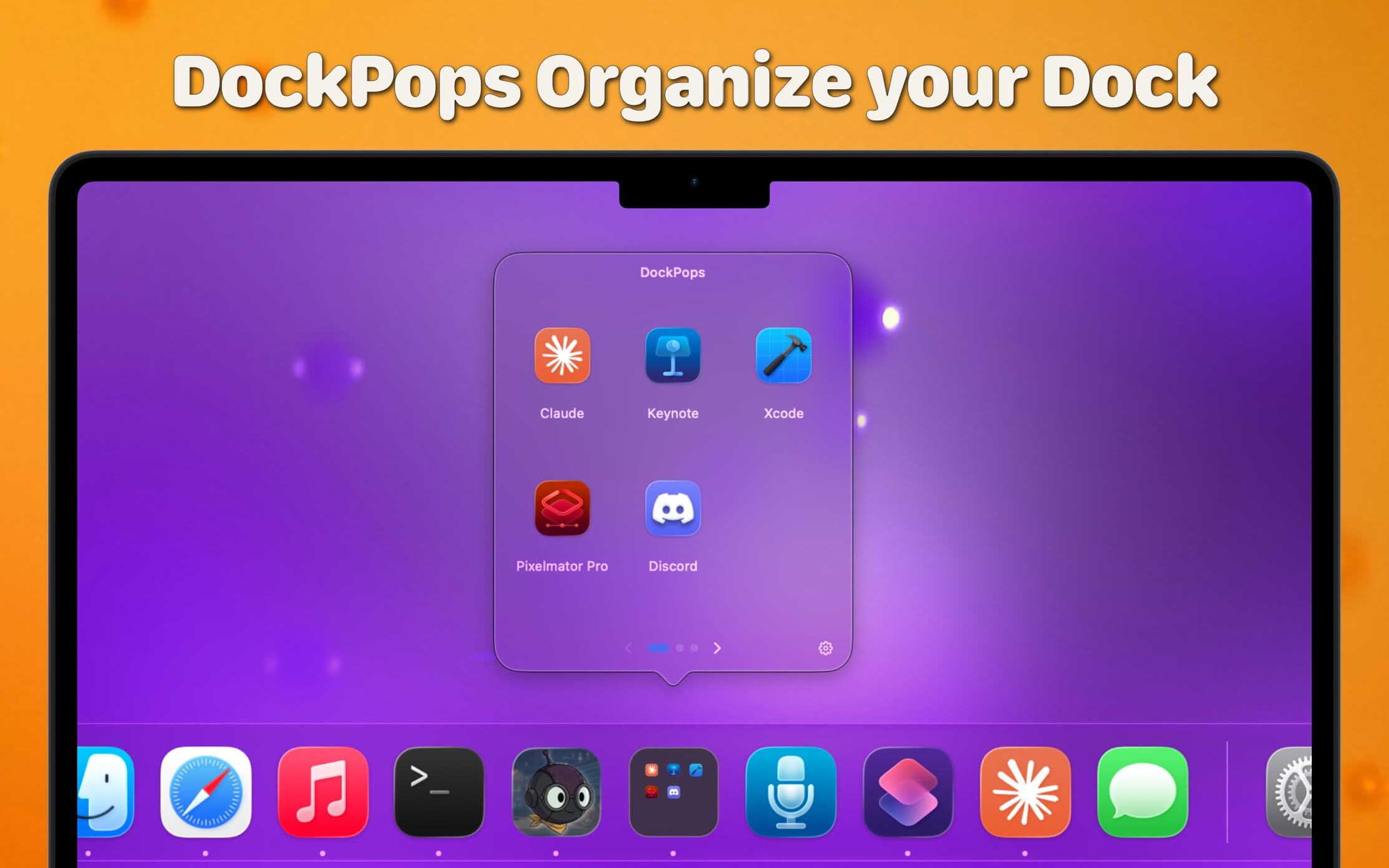
DockPops is a powerful productivity tool designed to streamline your macOS experience by bringing iPhone-style organization to your Dock. It allows you to declutter your workspace by grouping apps, files, and folders into “Pops”—interactive, customizable popover menus.
Key Features
-
iPhone-Style Folders: Organize your most-used items into clean folders that live directly in your Dock.
-
Launch with Speed: Click a Pop to instantly access a grid of apps or use the “Open All” feature to launch an entire project workflow with a single click.
-
File & Folder Support: Beyond just apps, you can add documents and directories, complete with QuickLook previews for easy identification.
-
SmartyPops (Premium): Leverage on-device AI to receive smart suggestions for items you might need based on your usage patterns.
-
MultiPops & Shortcuts: Create multiple independent Dock icons for different categories (e.g., “Work,” “Gaming,” or “Design”) and trigger them via Siri or Spotlight.
-
Private by Design: DockPops runs entirely locally. There is zero data collection, no tracking, and no network access required.
What's New
Version 5.1:
- Release notes were unavailable when this listing was updated.
Requirements
macOS 14.0 or later.
Screenshots
Download File
Size: 15 MB
Rapidgator Download | NitroFlare Download